Tepat Grupa
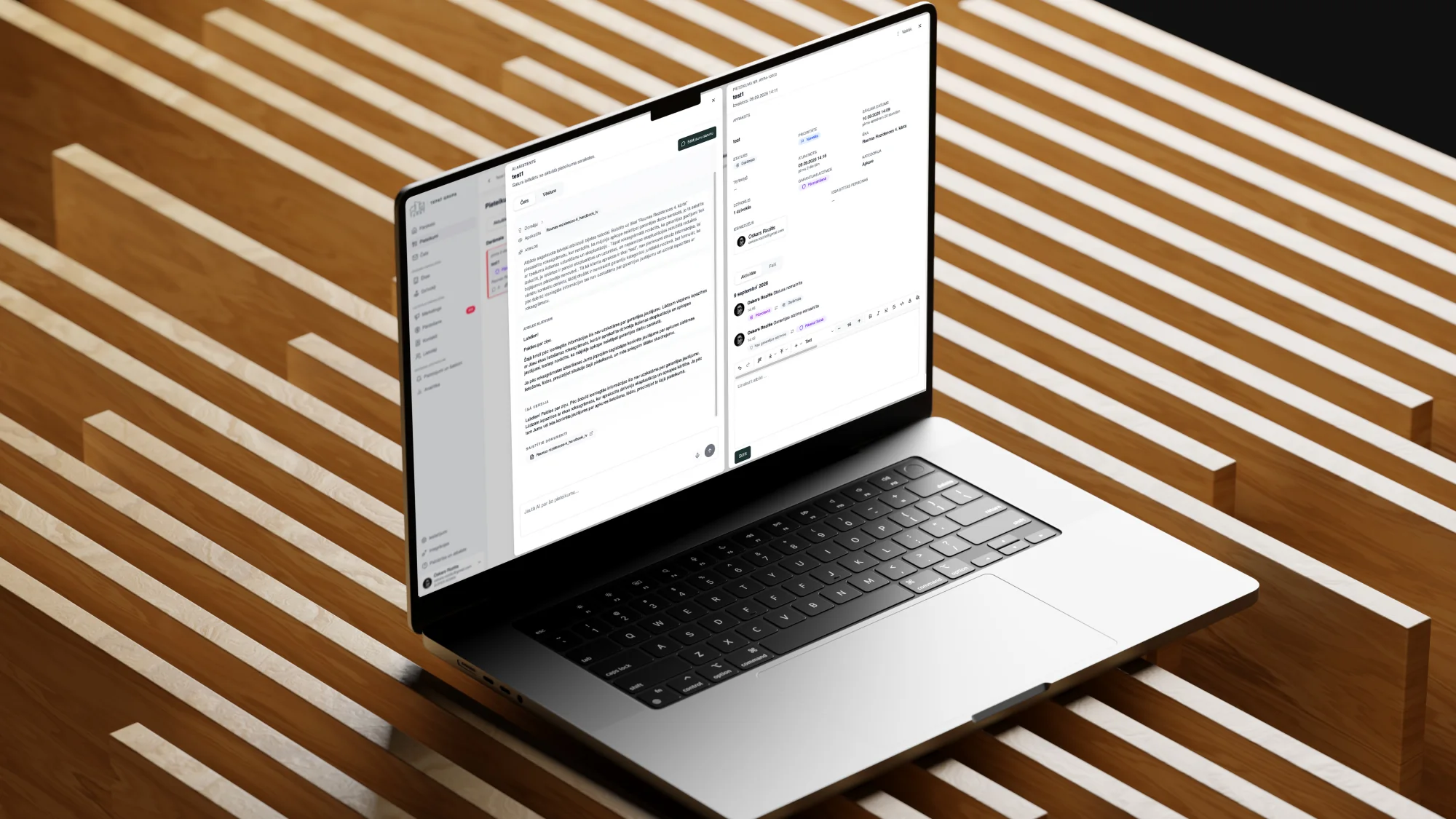
A custom RAG agent answers apartment owners from project documentation and shows the source it used.
Each agent has one job and access only to the data it needs. It prepares the work and updates your systems, and anything it isn't sure about goes to a person.
Read it, work out what it is about, find the customer, check the history. The team repeats this many times a day.
It can reply to a question, but it can't open the ticket, update the CRM or schedule the follow-up.
Enquiries sit in a queue until someone has time to check budget, fit and urgency.
The answer exists, but it is split between the CRM, email threads and a shared drive.
We agree on one task, what counts as done and what the agent must never touch.
It gets only the data and actions that task needs, and a clear point where it hands over to a person.
CRM, ERP, email, calendars and knowledge sources, through their APIs.
We run it against past requests before it touches a live one.
Logs show what it did and why. Its scope grows only when the results hold up.
Answers from your own material, opens tickets and hands complex cases to the team.
Staff ask in plain language and get an answer with a link to the source.
RAG AI assistantsChecks each enquiry against your criteria, fills in the CRM and flags who to call first.
Reads incoming documents, pulls out the fields you need and sends them for checking.
Works on records in your CRM or ERP, prepares the next step and suggests who should take it.
Custom CRM developmentWe choose the model per task and limit the agent's actions to what its role requires.
A chatbot answers questions. An agent can also act: open a ticket, update a record, send a draft for approval. It works within limits you set.
Yes, if the CRM has an API, and most do. The agent reads and writes only the fields it has been given access to.
We plan for that from the start. Actions with consequences go to a person for approval, and every step is logged so it can be checked.
It depends on the task. We have used several OpenAI models in one system, each for a different job. We choose on accuracy, cost and where the data may be processed.
Assistants that answer from your company's own documents and show where each answer came from.
Automating the work between your systems: enquiries, documents, data and notifications.
CRM and operations systems built around how your sales and service work.
Tell us about it. We'll tell you whether an agent fits, or whether a simpler automation would do.