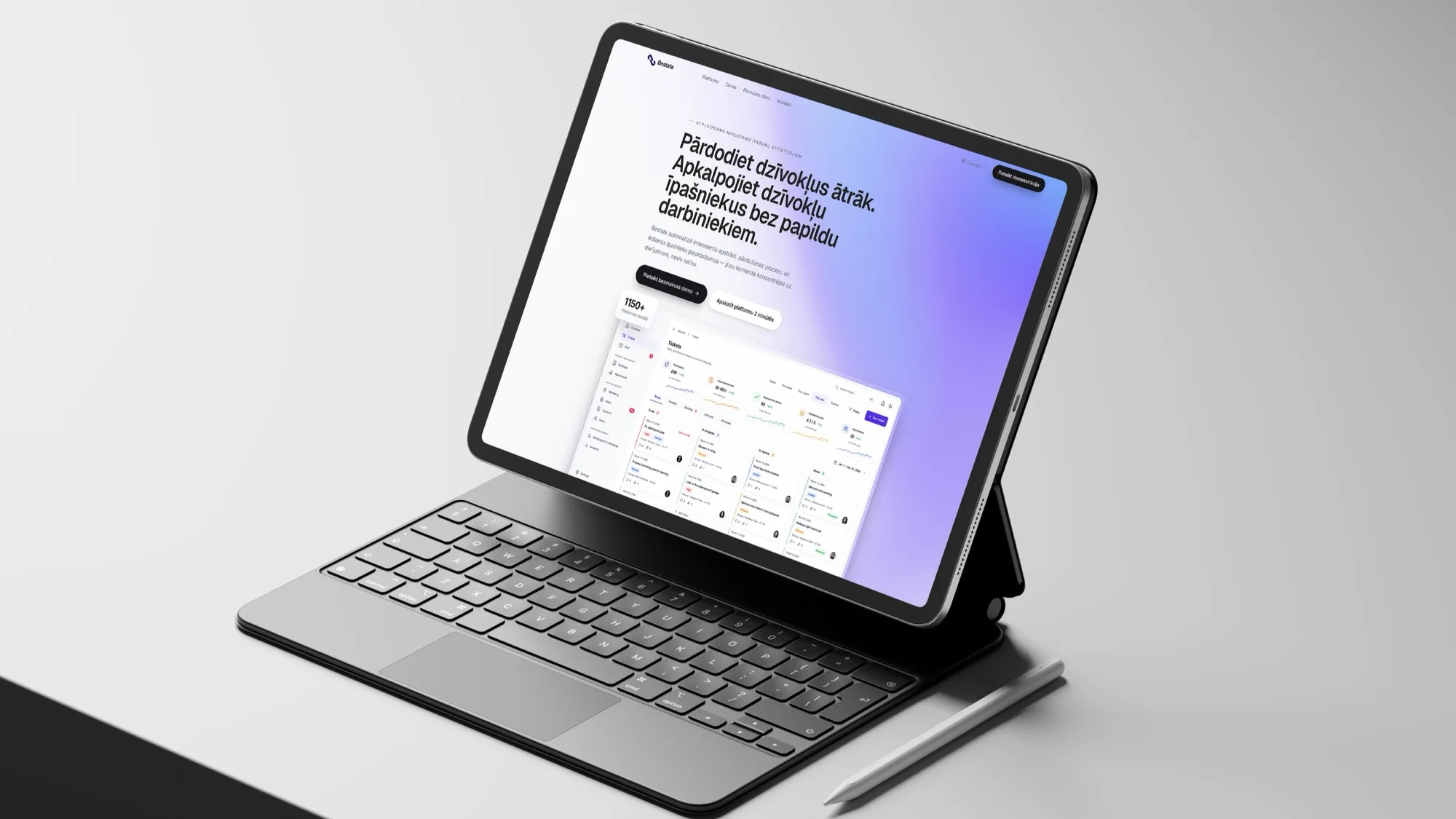
Bestate.app
Separate interfaces for sales, administration, owners, building managers and suppliers, each limited to its own scope.
We design the journey and the screens so a system is clear to use and ready to build. The same team then builds it, so nothing gets lost between design and code.
The system works, but finding the right screen or button takes someone explaining it.
The interface raises questions the screen itself should answer.
Without states, edge cases and components defined, every screen gets built slightly differently.
Sign-up, checkout or request forms lose people at the same step.
Who uses it, for which tasks, and where they get stuck today.
Flows for the main tasks, roles and exceptions, before any screen is drawn.
Clickable prototypes, checked with real users or the team that will use them.
Screens, states and a component system, matched to how it will be built.
Our developers build from it, and the design adjusts when real use shows something new.
Dense screens for daily work: lists, filters, records and roles.
Custom CRM developmentSelf-service flows that make sense to someone who logs in twice a year.
Onboarding, core workflows and settings for a product that has to sell itself.
Interfaces for assistants and agents: sources shown, drafts to approve and handover to a person.
AI agentsComponents and rules that keep a growing product consistent.
Design is done in components that map directly to the code, so what was approved is what gets built.
Both, and usually together. Design on its own is possible, but the handover is smoother when the same team builds what it designed.
Often, yes. We start with the tasks where people lose the most time and redesign those screens first.
Flows, a tested prototype, final screens with their states, and the components they are made from.
Yes. Where a brand exists we design within it; where it doesn't, we can set the visual basics as part of the work.
Websites, online stores and web apps that connect to your systems and that your team can run itself.
CRM and operations systems built around how your sales and service work.
Agents that carry out a defined task inside your systems and hand over to a person when needed.
Show us the screen. We'll suggest what to redesign first and how to test it.